
Information checked: 29 September 2026.
You finish a shift, write your notes and head to the next appointment. The invoice can wait until you have a quieter afternoon.
Then another week fills up.
When you work independently, the care and the paperwork compete for the same time. A shorter NDIS claiming window makes a regular invoicing routine more important.
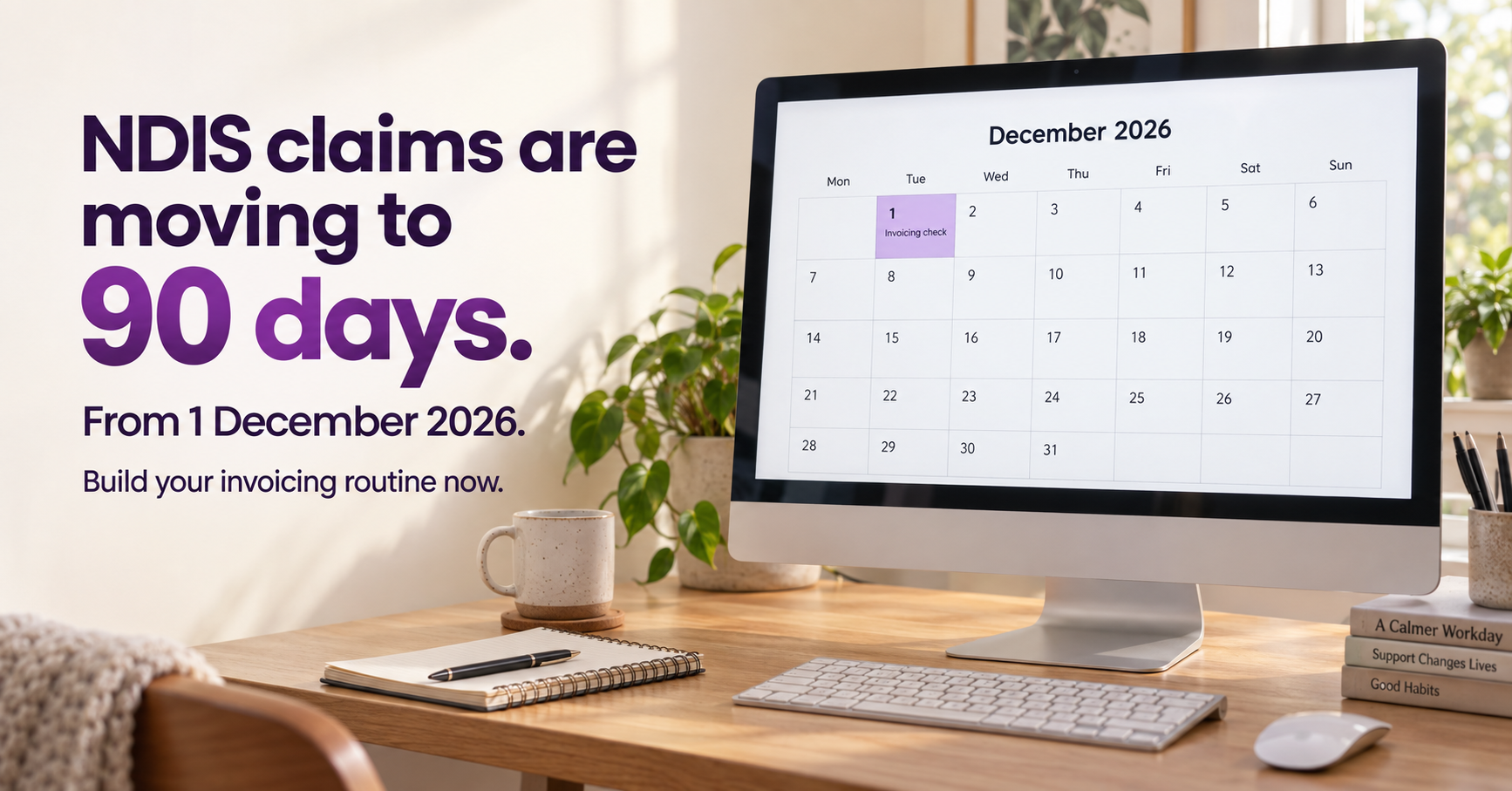
From 1 December 2026, the time allowed to submit NDIS claims will reduce from two years to 90 days. The legislation has passed. This is an upcoming change, rather than a proposal awaiting approval. Australian Government guidance.
October gives you time to review your process, clear up questions and build a routine you can carry into December.
What does the 90-day window mean?
The NDIA says claims will need to be submitted within 90 days of delivering a support. The service date matters, so your records need to show when the work happened. NDIA reform update.
It helps to understand two separate steps:
Your invoice sets out the services you provided and the amount you are charging.
The NDIS claim requests payment from the participant’s NDIS funding.
Sending an invoice does not, by itself, confirm that the NDIS claim has been submitted. The claiming window also does not mean your invoice payment terms become 90 days.
Know who handles the next step
The payment process depends on how the participant’s funding is managed.
For plan-managed supports, you send your invoice to the plan manager. For self-managed supports, you invoice the participant or their nominee. Registered providers delivering NDIA-managed supports use the relevant provider claiming process. NDIS guide to getting paid.
For each participant, check that you know:
Who should receive the invoice.
Which details they need.
Who to contact if it is returned or remains unresolved.
A correct email address and a clear process can save repeated follow-ups later.
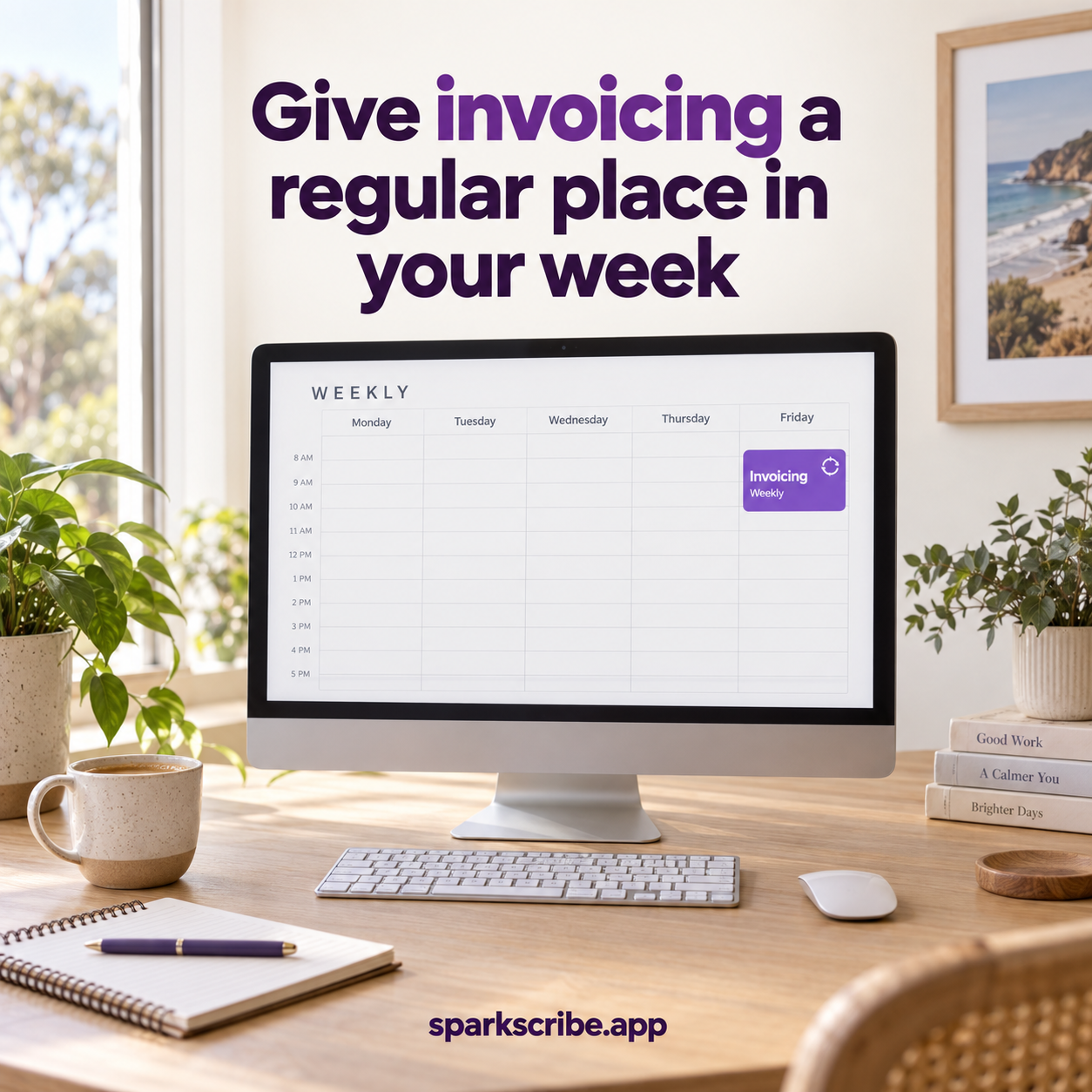
Give invoicing a regular place in your week
A weekly invoicing check is a practical starting point. This is an organisational suggestion, not a legal requirement to invoice weekly.
Choose a time you can protect, then work through four steps.
1. Review completed supports
Check your calendar against your records. Identify any completed work that has not yet been invoiced.
2. Check the invoice details
Review service dates, hours, agreed rates, support items and the recipient’s details before sending.
3. Send and record
Keep track of when the invoice was sent and who received it. If it needs a correction, record that too.
4. Follow up unresolved items
Separate invoices that have not been sent from those awaiting clarification or payment. Each needs a different next step.
Track the service date as well as the invoice date
Imagine a support was delivered four weeks ago, but you only issued the invoice yesterday.
The invoice looks new. The support is already four weeks old.
A simple tracker can include the service date, invoice number, date sent, recipient and next action. Where someone else submits the claim, clarify its status with them when needed.
For supports delivered before the December change, check the latest NDIA guidance on how the transition applies. Avoid assuming that issuing or reissuing an invoice changes the relevant service date.
Start with one manageable action
This week, choose a regular invoicing time and review your oldest unresolved service.
You may find an invoice that needs sending, a missing detail or a question for a plan manager. Resolving it now gives you a clearer process for the next shift.
Sparks Scribe brings shift notes and invoicing into one app, helping you keep these tasks together. You remain responsible for checking the details and following the appropriate claiming process.